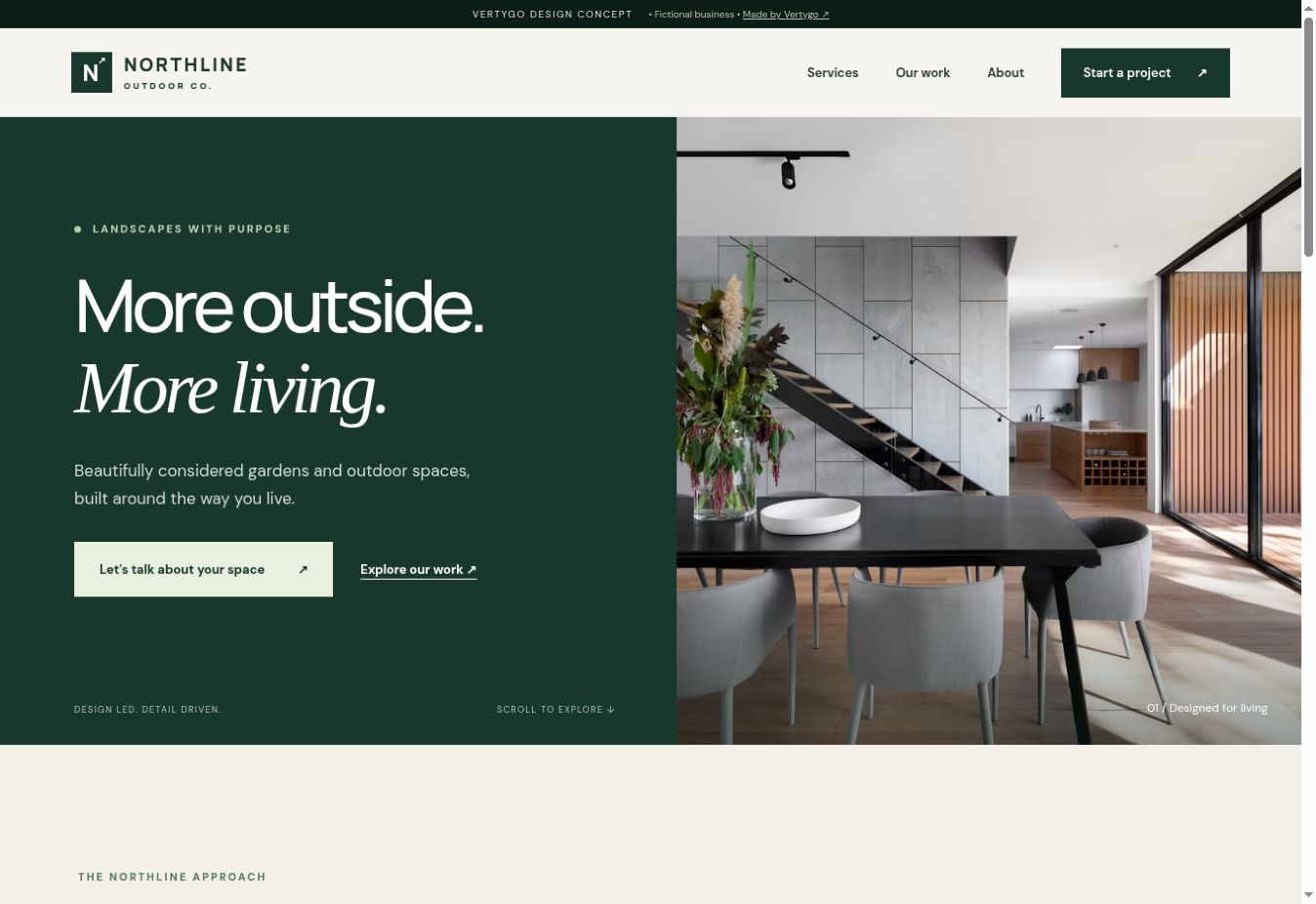
A trades website has a practical job: help someone decide whether you offer the work they need, then make an enquiry straightforward. A dramatic first screen can introduce the business, but it should lead into useful information rather than leave the visitor guessing.
Vertygo's Northline demo is a fictional landscaping example. Its service, project and contact pages show one possible structure. The business and project content are illustrative, not claims about a real contractor.
Explain the service in customer terms
Give each main service enough detail to answer basic questions. For a paving business, that might include the types of work undertaken, the area covered and how a site visit is arranged. Do not list every nearby town simply to repeat a keyword: write the places you genuinely serve and information that helps someone there.
Avoid promises about turnaround times or prices unless the business can stand behind them. If a price depends on inspection, explain the quotation process clearly.
Make the work examples useful
A project page should tell the visitor what they are looking at. Add the type of job, a short description and, where appropriate, the materials or constraints involved. Use photographs of genuine work with permission to publish them.
A before-and-after pair can be informative, but it needs context. Describe the change rather than claiming the website generated more enquiries without measured evidence.
Ask for enough detail, then stop
An initial quote form can collect the essentials without becoming a full job specification:
- The customer's name and preferred contact method.
- A location or postcode when it affects coverage.
- The service they are interested in.
- A brief description of the job.
- Optional photographs if they would help you assess it.
Test the form on a phone. Check what happens when a required field is missing, whether the submitted message reaches the right place and whether the customer sees a clear confirmation.
Keep contact routes consistent
If you offer phone, WhatsApp and an enquiry form, make the choices understandable. Do not make a visitor search the footer for the only working contact method. Check that phone numbers and service areas match across your website and public business listings.
The best layout for the business is the one that supports its actual way of quoting and working. Start there, then choose the visual direction.
Further reading
W3C's page structure guidance explains the role of logical headings and clearly identified page sections. That structure helps people navigate the service information you have prepared.